
How do I book an intercity bus ticket?
Book an intercity bus ticket on Tembera by searching your route and travel date, choosing a listed trip and seats, entering passenger details, and completing payment. Your ticket and QR code appear after payment is confirmed and the ticket is ready.
How do I book an intercity bus ticket?
- Search for your journey. Open Search Trips, enter your departure and destination, choose your travel date, and set the passenger count there. The home-page search starts with one passenger. A date is optional in the form, but selecting it lets you check listings for the day you plan to travel.
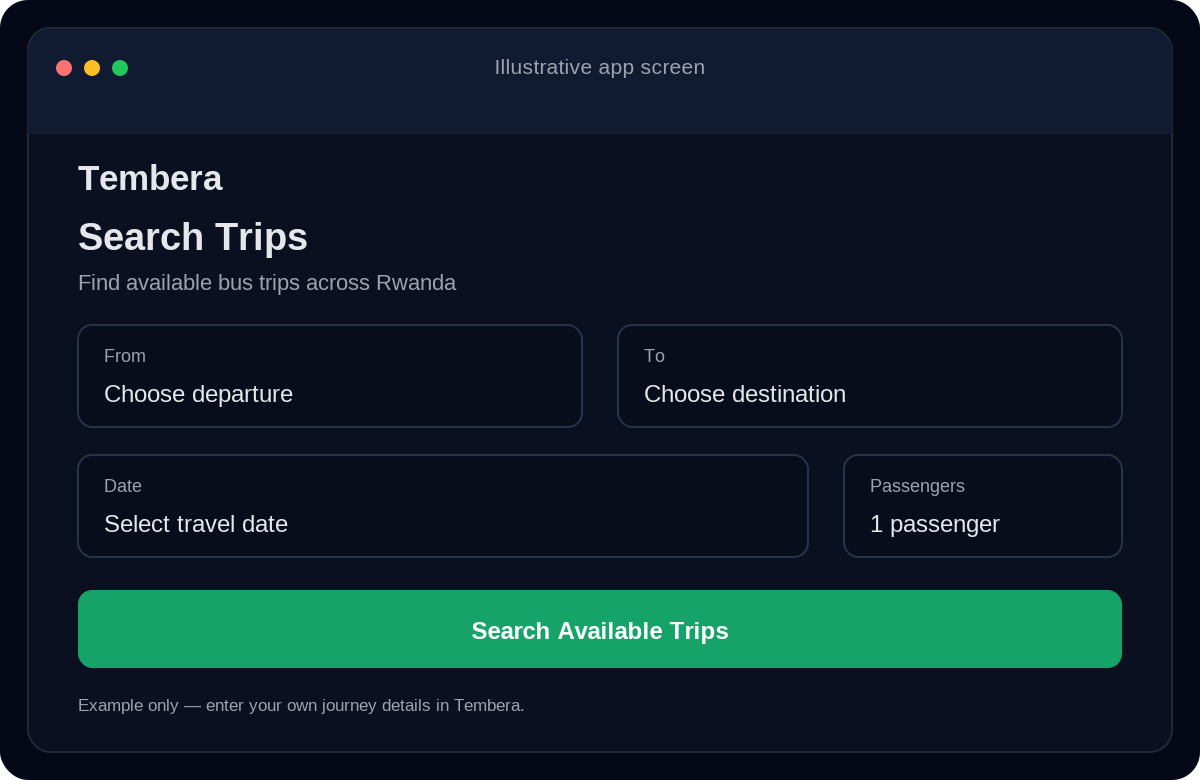
Example search screen. Enter your own route and travel date. - Choose a listed trip. Compare the available trip or connection options. Check the boarding and arrival details, operator, displayed fare and seat availability for your date, then select the trip you want. If no results appear, check the route and try another date.
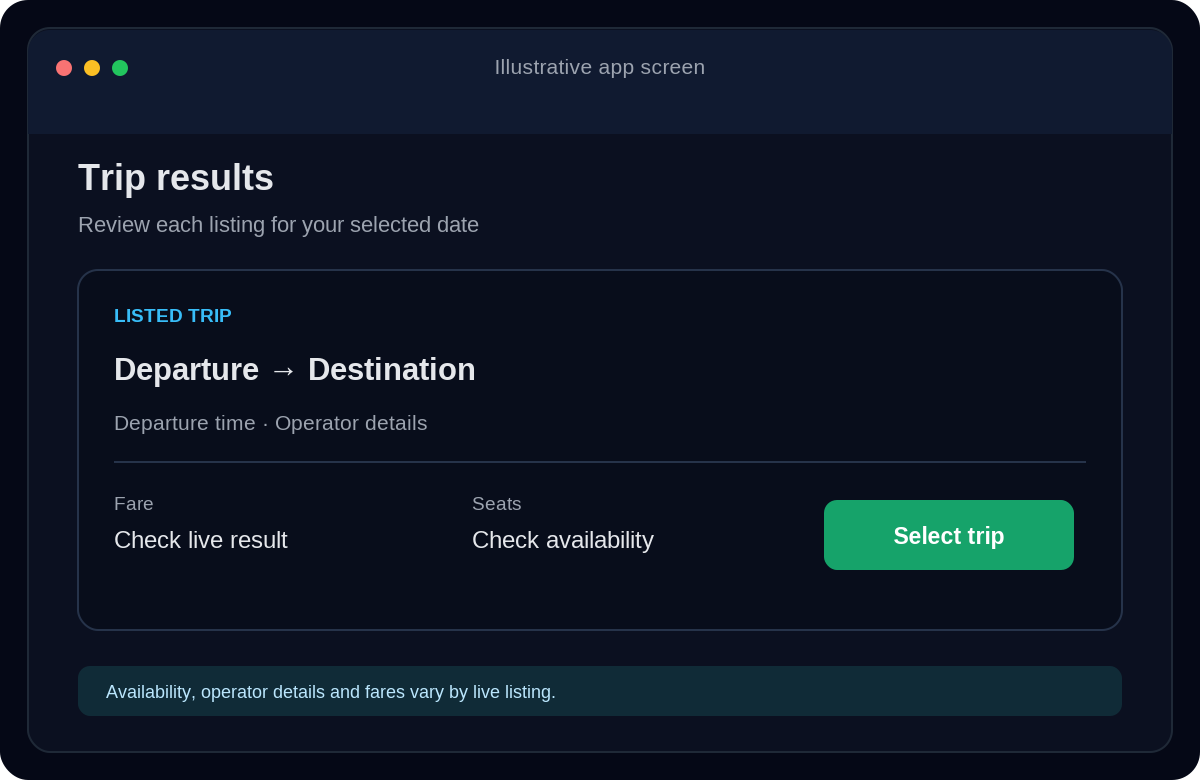
Example results screen. Route availability and fares come from current operator listings. - Select seats. For a direct trip, choose an available seat for each passenger on the seat map. For a connection, review its journey legs and continue to checkout. Check the displayed total, then select Continue to Payment. Already booked seats cannot be selected.
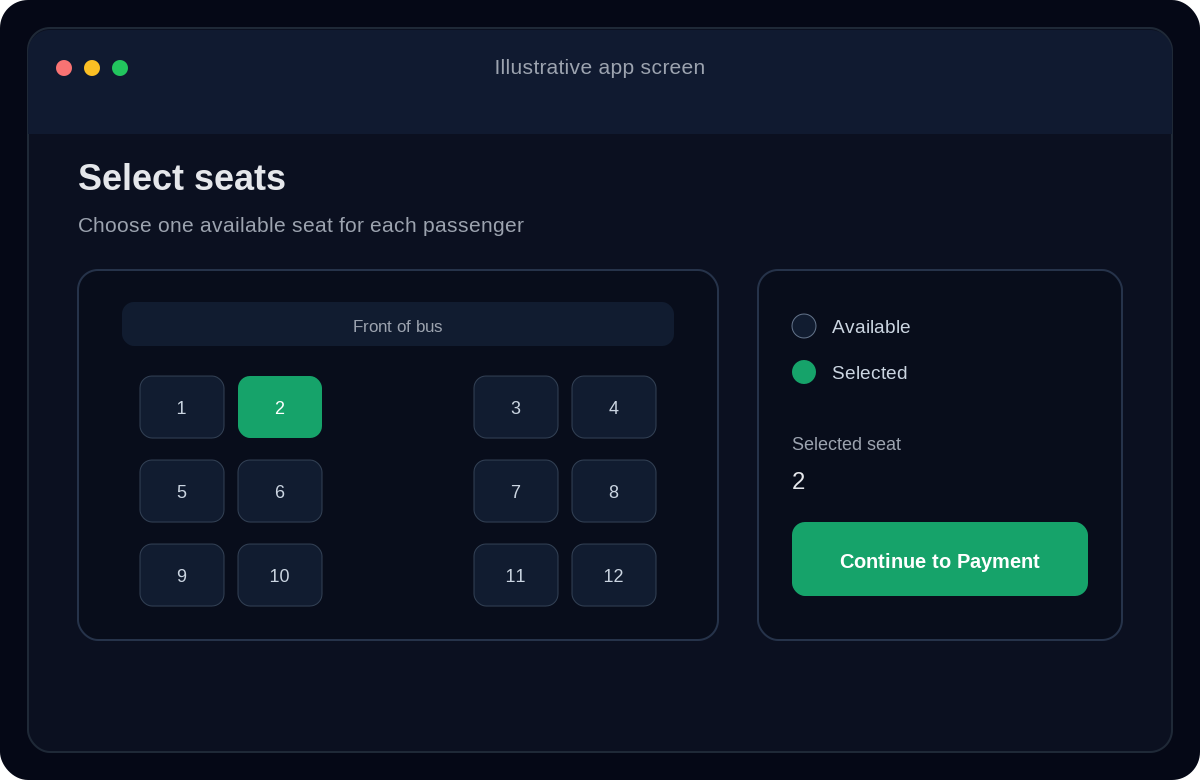
Example seat map. Select one available seat per passenger. - Enter passenger details and pay. Enter the passenger’s full name and a valid Rwandan phone number. Email and TIN are optional. Choose MTN MoMo or card from the payment methods shown. For MoMo, approve the payment request on the selected phone; you can choose a different payment phone if needed. Review the total and any optional extras before paying.
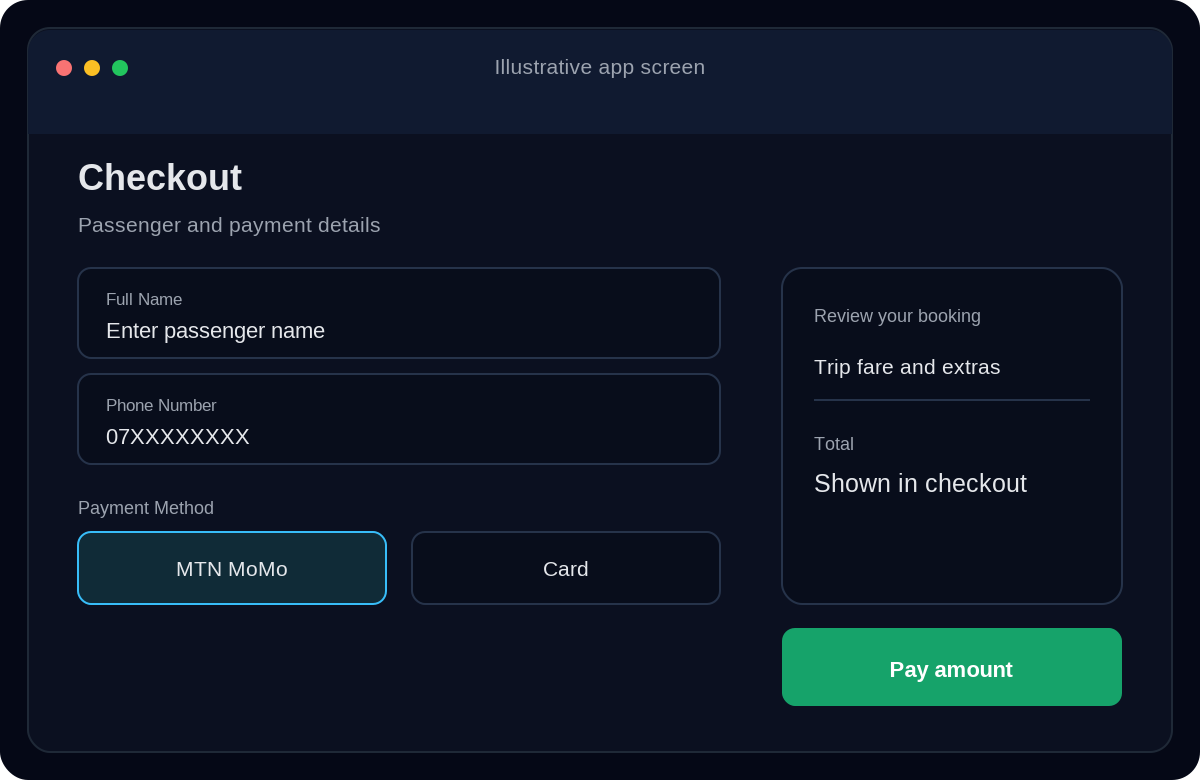
Example checkout screen. Confirm the amount and payment method before continuing. - Wait for confirmation and keep your ticket. Wait while Tembera confirms payment and prepares your ticket. When the ticket is ready, check the journey details and booking code; the ticket QR code appears after payment is confirmed. Save, download or print the ticket, and keep the booking code for lookup.
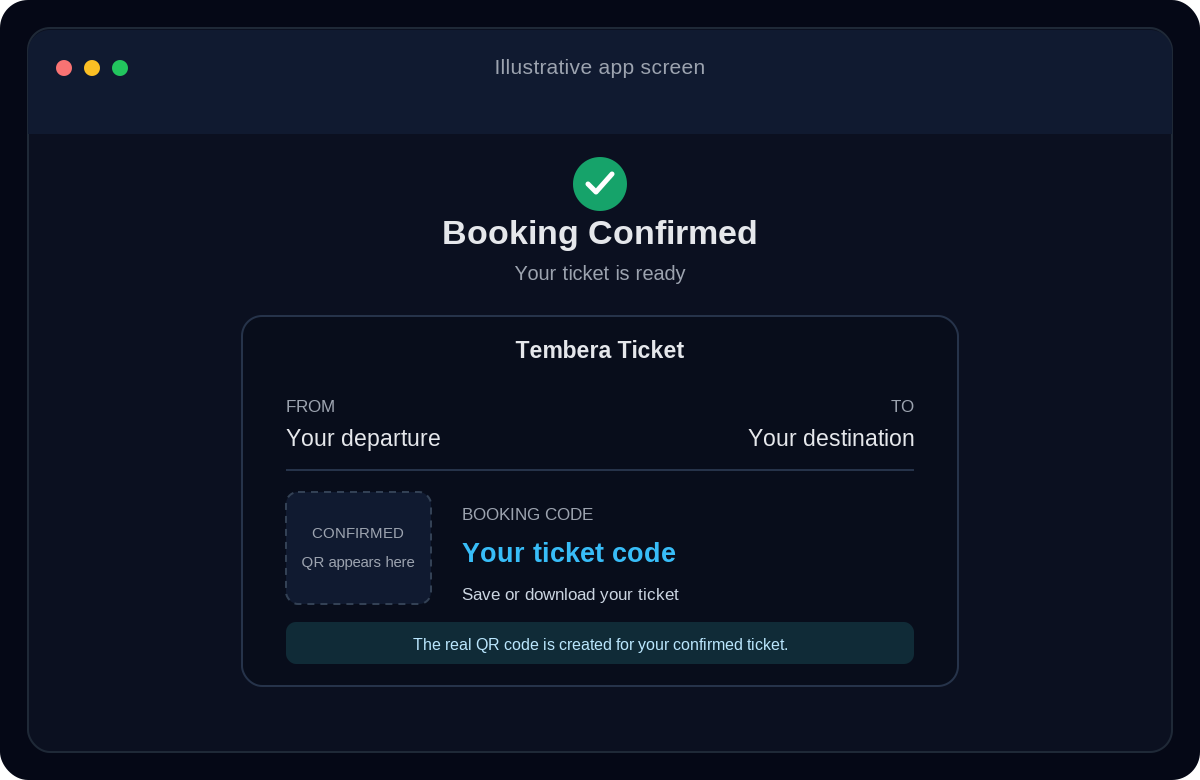
Example ticket screen. The live QR code is created for your confirmed booking.
Before you start
Use the official Tembera passenger service at tembera.app. Search results show trips listed by participating operators; availability, departure details, seats and fares can change, so confirm them in the app before paying.
The screen examples below illustrate the English-language booking flow; they are not live screenshots or trip listings. Actual trips, seats and fares depend on the date and current operator listings. Any impamba or journey extras are optional and appear only when offered for a trip.
If you cannot find a trip or ticket
Check your origin, destination and travel date, then try another date if no trips are listed. For a completed booking, keep the ticket confirmation and booking code. You can reopen a ticket from Booking Lookup at https://tembera.app/booking/lookup.
If payment is confirmed but the ticket or EBM receipt is still being prepared, wait for the in-app status. If the receipt cannot be issued, use the help chat shown in Tembera rather than paying again immediately.
Frequently asked questions
How do I buy a bus ticket on Tembera?
Search your route and date, select a listed trip and available seats, enter the passenger details, choose a payment method, and wait for the ticket confirmation.
Can I pay for a Tembera ticket with MTN MoMo?
Choose MTN MoMo at checkout and approve the payment request on the selected phone. Card is also an option when shown in checkout.
When will I get my ticket and QR code?
After payment is confirmed and the ticket is ready, Tembera displays the ticket and its QR code. Save or download the ticket and keep its booking code.
What if no bus trips appear?
Check the origin, destination and travel date, then try another date. Results depend on trips currently listed by participating operators.
Are Tembera fares and schedules fixed?
No. Check the fare, departure details and seat availability shown for the selected trip in the live Tembera service.